
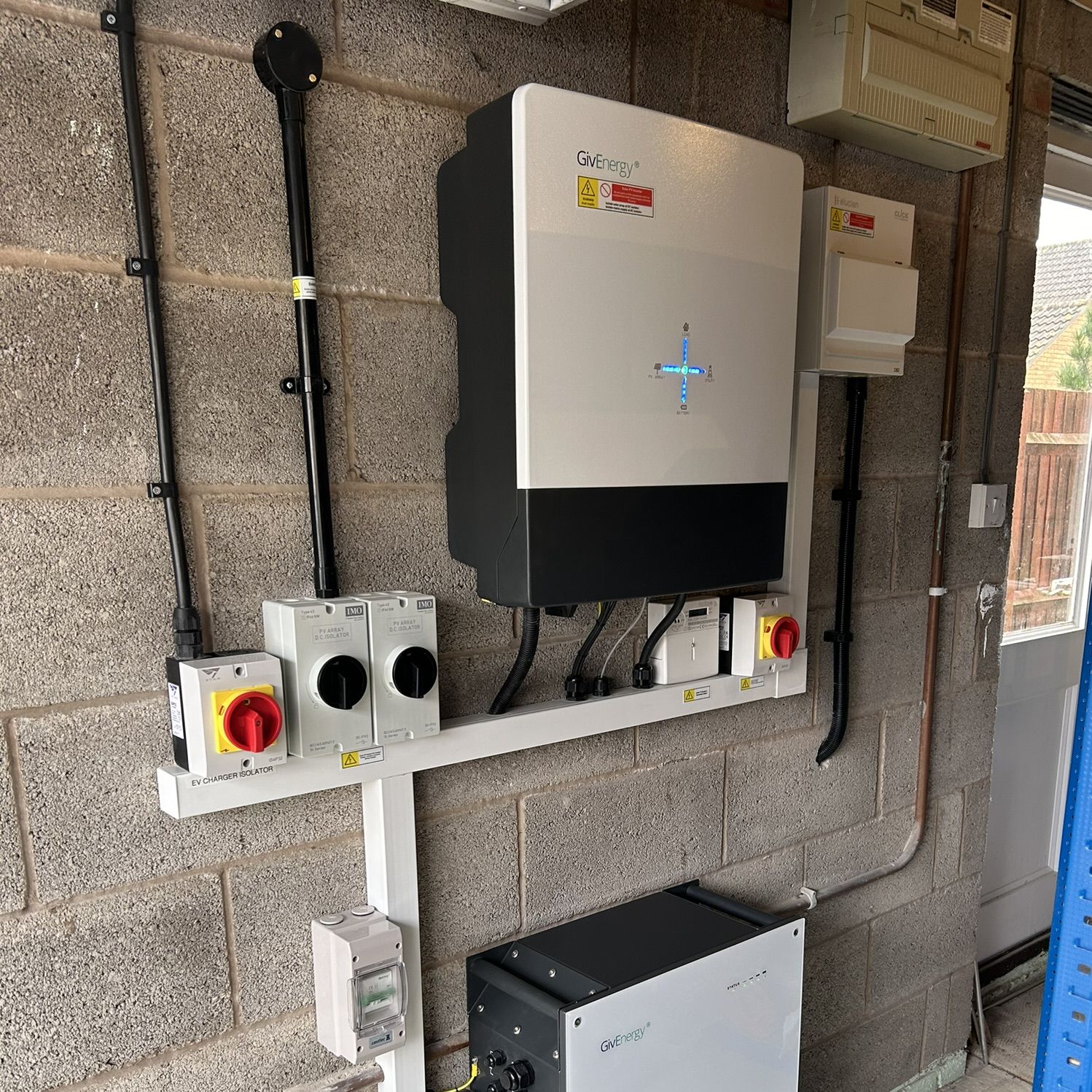
To reconnect a GivEnergy Wifi Inverter to wifi (for example, when you have a new router or have changed your password), follow the steps below. You will need the GivEnergy app installed, and be physically close to the inverter.
Text Instructions:-
- Open the GivEnergy App, and click the 3 bars in the top left to open the menu.
- Click “Settings”, and then select “Setup WiFi Dongle”
- The app will then give instructions on resetting the WiFi, as these differ between models for GivEnergy. This step is important as it will reset the existing dongle and allow new settings to be applied. It can take upto 15 minutes to reset fully.
- Once you have reset the dongle, it will ask to scan the barcode, this can be found on the dongle itself, or for internal dongles, the barcode is located on the side of the inverter.
- Enter the new Wifi Settings. The GivEnergy Wifi only supports 2.4GHz Wifi, most routers work on a dual 5GHz/2.4GHz network, but for best performance we would reccomend setting up a dedicated 2.4GHz network. For more information please check your router’s manual. GivEnergy in particular need a good WiFi signal to maintain a connection, so if the router has moved from the original installation, you may need wifi extenders.
- The app will then search for the inverter and apply the settings.
Thats all the steps needed to reconfigure the WiFi on a GivEnergy inverter. If you’re still having issues, please feel free to Contact us and we can assist.
