
To reconnect your FoxESS Inverter to wifi (for example, when you have a new router or have changed your password), follow the steps below. You will need FoxESSCloud application, plus you need to be close to the inverter itself.
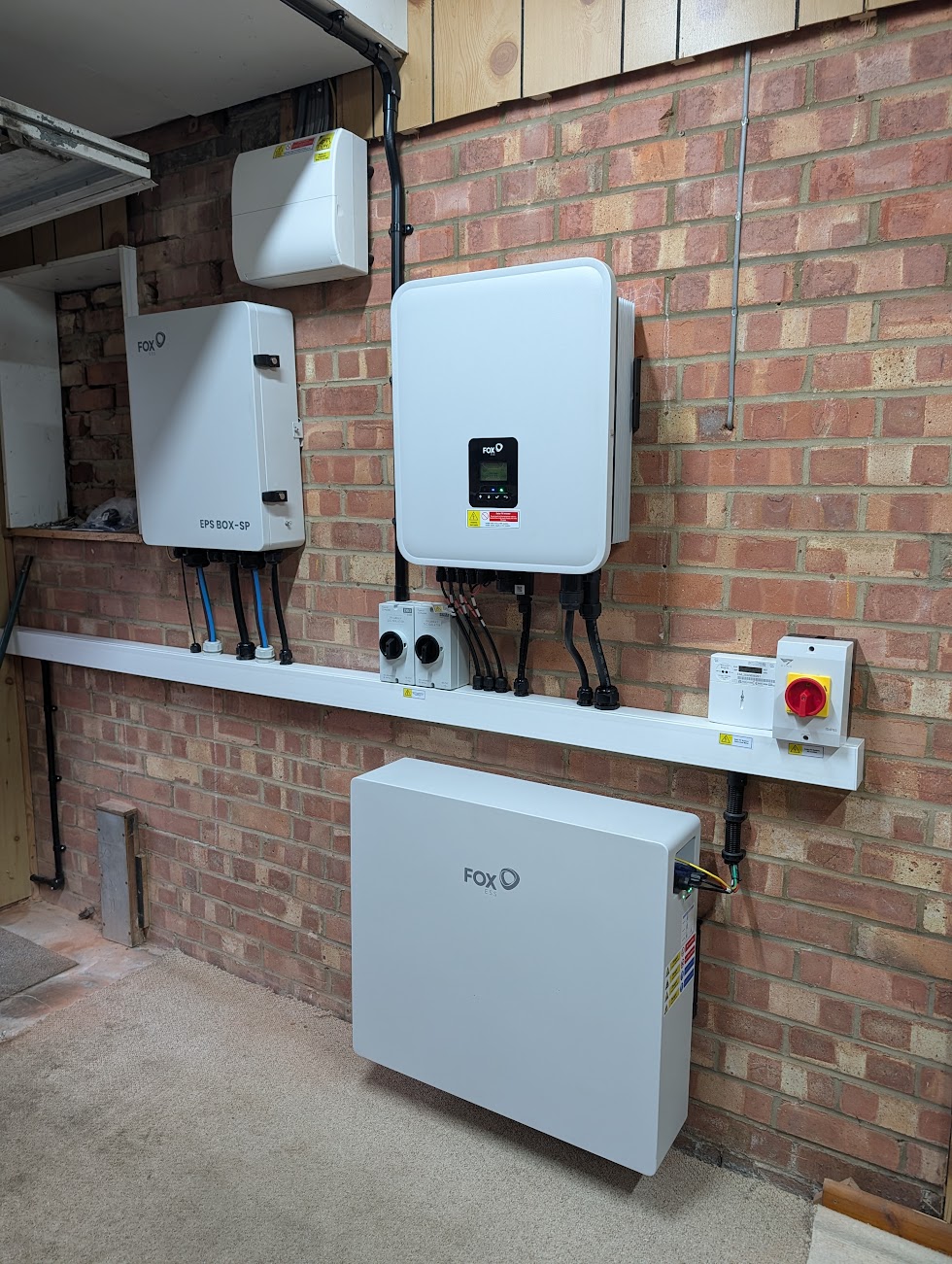
Text Instructions:-
- Open the FoxESSCloud App, and select “Me” in the bottom right hand corner
- Click WLAN Configuration
- The app will now search for nearby devices – if this fails you can scan the QR code on the dongle.
- Select the new Wifi network – this needs to be a 2.4GHz network. For most modern routers, your Wifi will be a shared 2.4/5GHz network. For best performance we would suggest having a dedicated 2.4GHz network. For more information on this, you would need to check your routers manual. Select “Next”
- Please remain close to the inverter – it will scan for the inverter and apply the new Wifi Settings
Images Step-By-Step
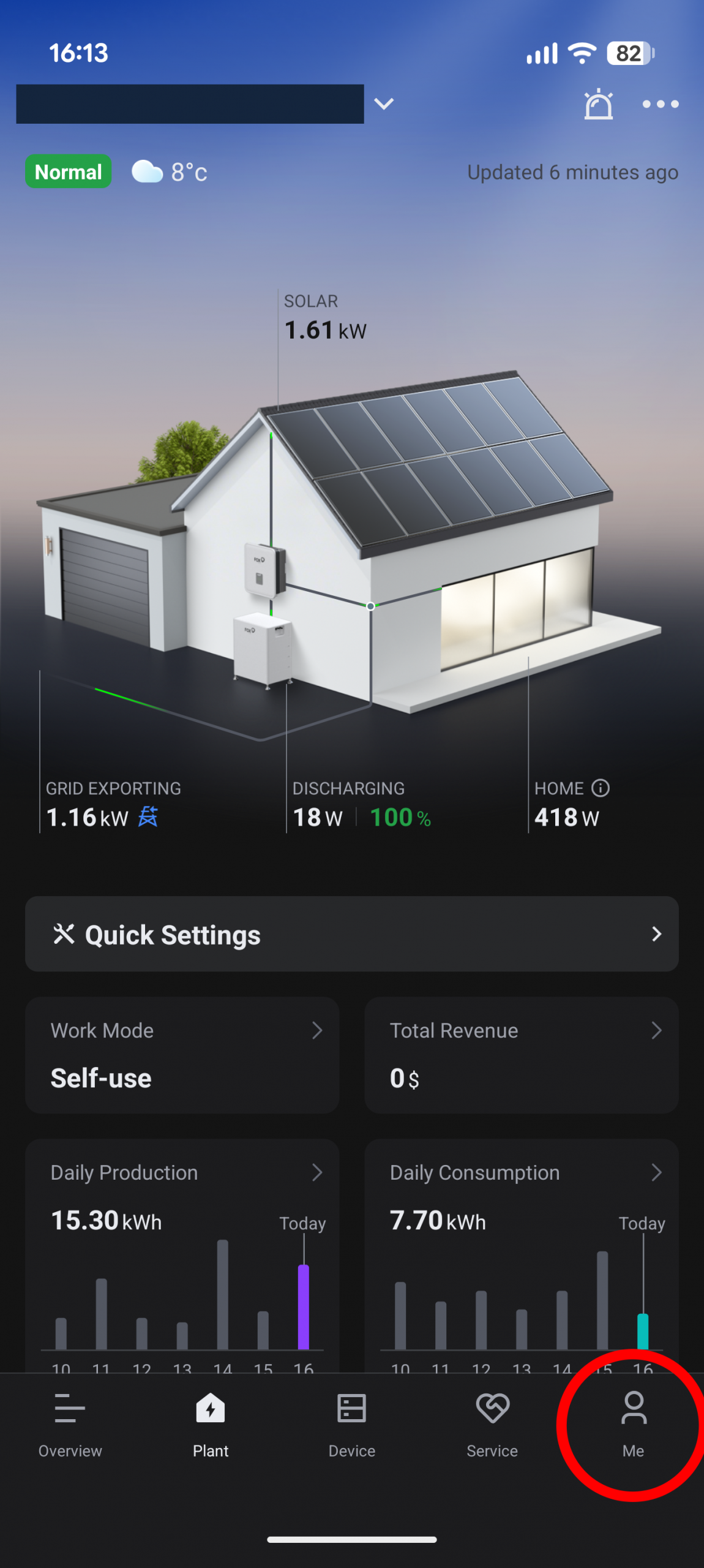
Select “Me”
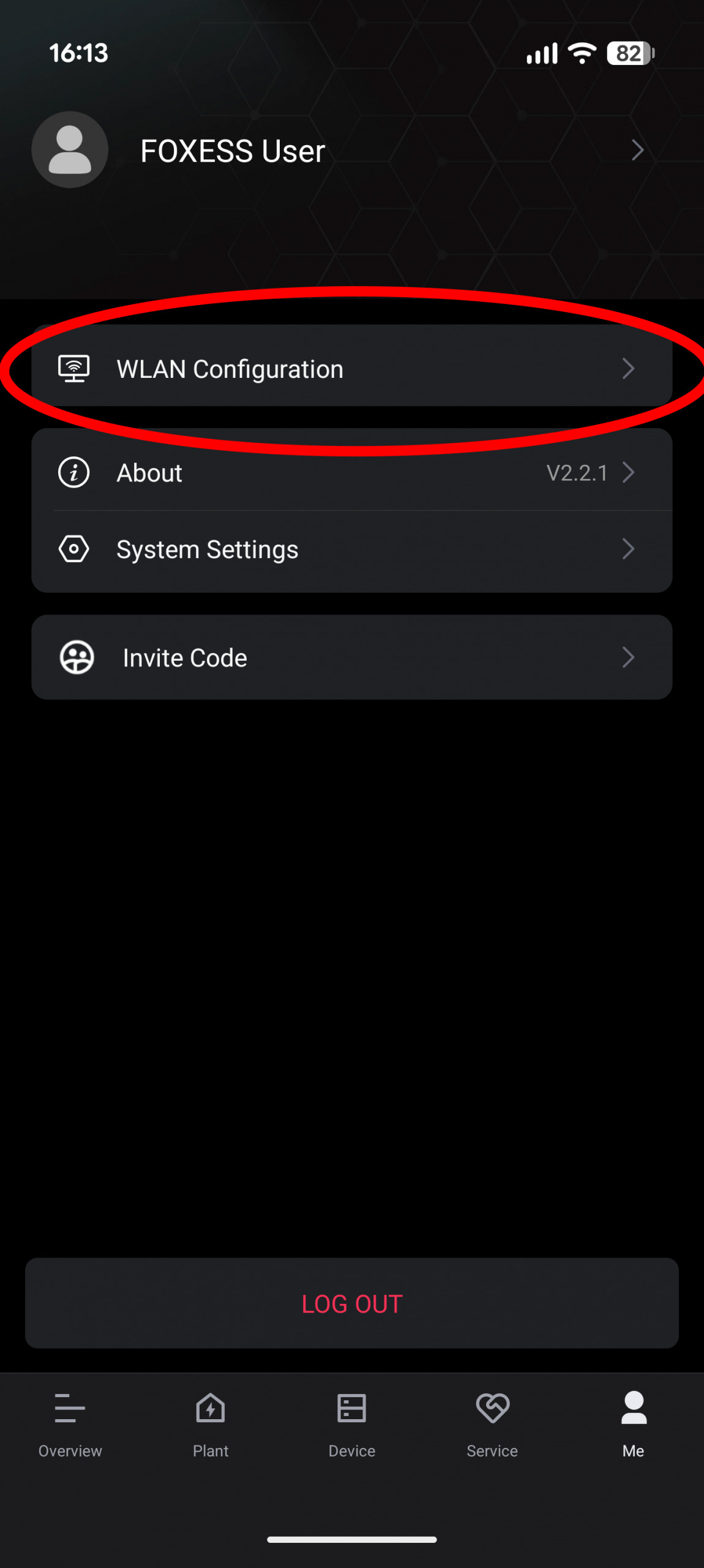
Click “WLAN Configuration”
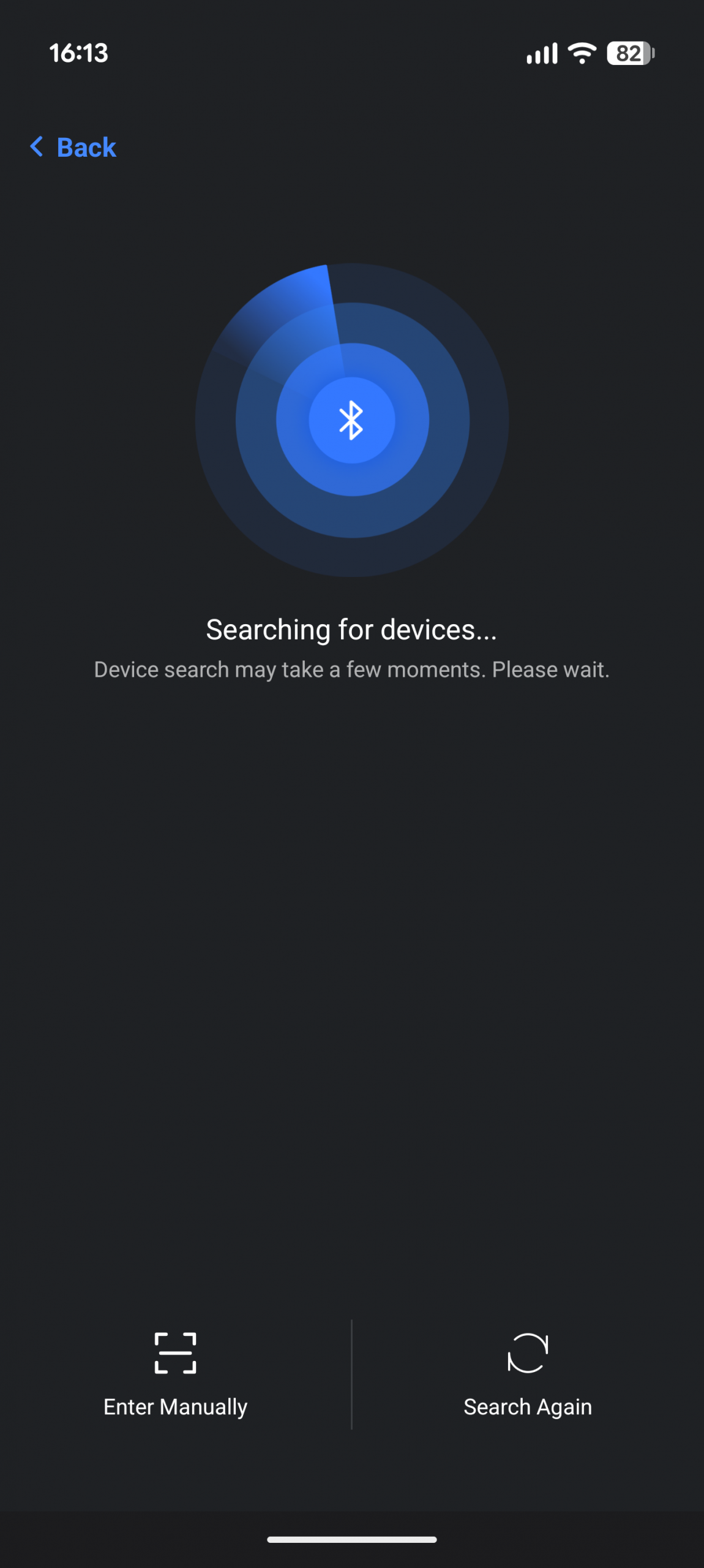
Scan for your device and enter new Wifi details
Thats all the steps needed to reconfigure the WiFi on your FoxESS inverter. If you’re still having issues, please feel free to Contact us and we can assist.
